
The Disconnect Rob Run Cheat: Full Feature Guide, Silent Aim Mechanics & Comparison with Other Rob Run Cheats on Cheats.org
Disconnect stands out for its breadth of options (especially silent aim controls, role-based everything, production/base tracking, and cosmetic tools). Config slots make it easy to switch between legit-looking and aggres
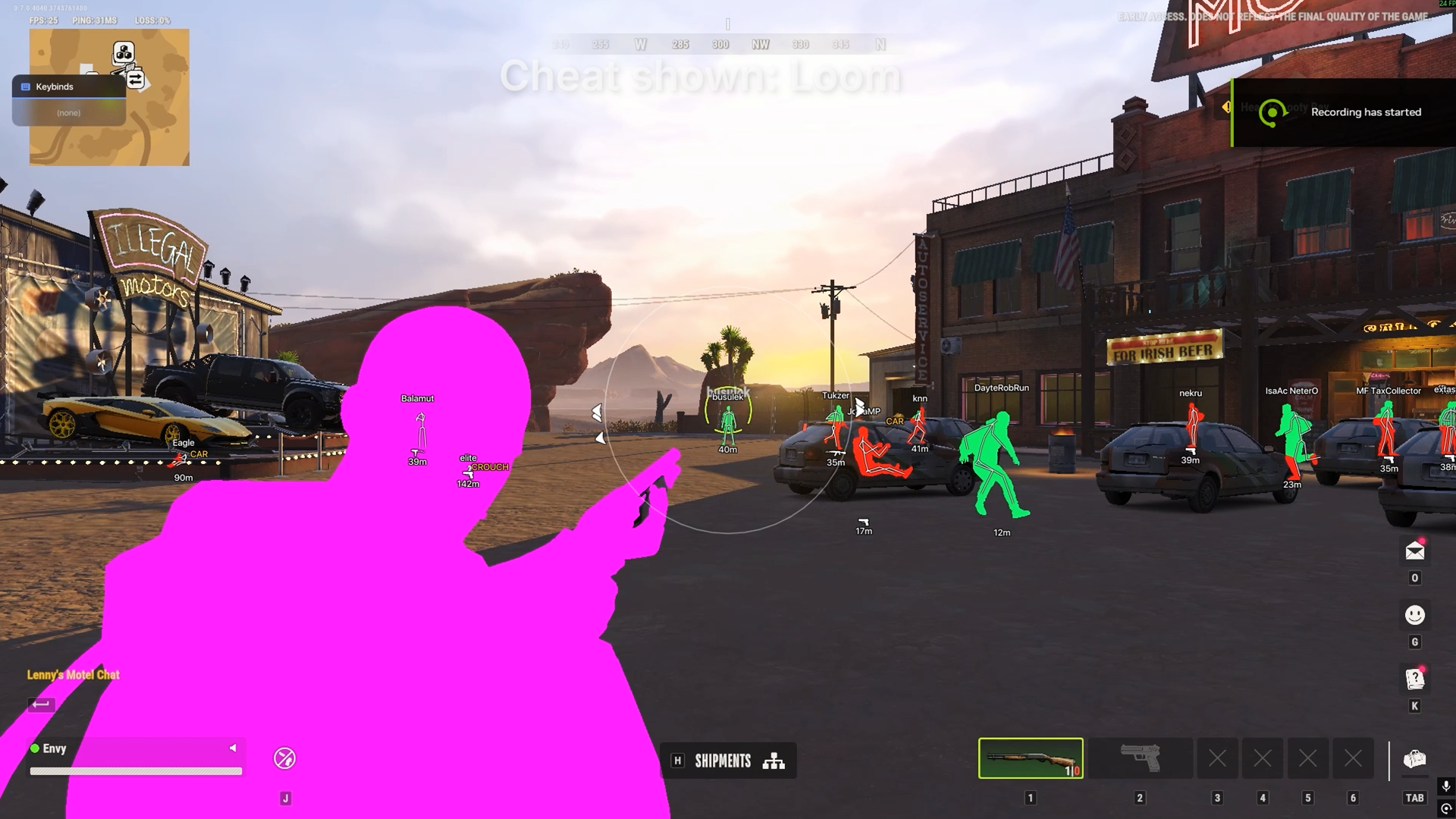
The Disconnect Rob Run Cheat: Full Feature Guide, Silent Aim Mechanics & Overview
Rob Run (the prison-heist multiplayer game protected by Easy Anti-Cheat) has a growing set of third-party tools. One of the most feature-rich external options is The Disconnect Rob Run Cheat. Below is a complete breakdown of its features, an explanation of its silent aim system, and a direct comparison with the other Rob Run products currently listed on cheats.org.
Silent Aim Mechanics Explained
Silent aim is the standout targeting option in Disconnect.
How it works conceptually A normal aimbot moves your camera/crosshair onto the target so the shot direction matches. Silent aim leaves your camera and view angle untouched. When you fire, it modifies only the shot’s aim direction (the data sent with the bullet) so the projectile travels toward the selected bone or hitbox instead of where your crosshair is pointing. On your screen the crosshair stays put; the bullet still connects (subject to hitchance, visibility, prediction, etc.).
Key related controls in Disconnect that shape silent aim behavior:
- Adjustable Silent Aim Hitchance — percentage of shots that get redirected (lower values look more human).
- Movement Prediction — leads moving targets.
- Visibility Check — only redirects when the target is in line of sight.
- Aim Bone Selection — head, chest, or other bones.
- Auto Shoot with Silent Aim and Visibility Check — fires automatically when conditions are met.
- Aimbot Smoothing / Humanization / Deadzone — even though the camera doesn’t move, these still influence target selection and feel.
- Adjustable Aim Radius / FOV Circle / Maximum Aim Distance — limits which targets can be selected for redirection.
- Player Role and Team Filters + Ignore Knocked Players + Keep Target — refine who gets targeted.
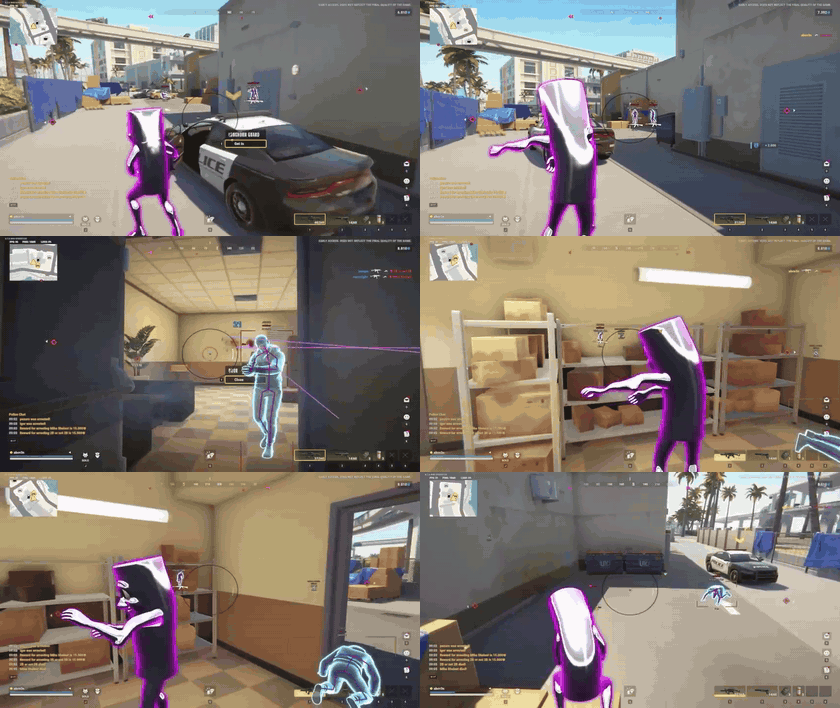
Silent aim is useful for looking more legitimate on your own screen and in some capture situations, though killcams or spectator views can still reveal unnatural shot angles. It pairs with the rest of the aimbot suite (normal aimbot, custom keybind, etc.).
Complete Disconnect Feature List
Aimbot & Targeting
- Normal Aimbot
- Silent Aim
- Adjustable Silent Aim Hitchance
- Movement Prediction
- Auto Shoot with Silent Aim and Visibility Check
- Custom Aim Keybind
- Player Role and Team Filters
- Aim Bone Selection
- Visibility Check
- Ignore Knocked Players
- Keep Target
- Aimbot Smoothing
- Aimbot Humanization
- Aimbot Deadzone
- Adjustable Aim Radius
- Maximum Aim Distance
- Customizable FOV Circle [color]
- Dynamic FOV Circle
- Customizable Target Line [color]
- Target Line Only While Active
Detailed Player Visuals
- Skeleton ESP
- Box ESP
- Player Names
- Distance ESP
- Clan Tags
- Held Item ESP
- Held Item Rarity Colors [color]
- Reloading Indicator
- In-Vehicle Indicator
- Armor Indicator
- Crouching Indicator
- Sprinting Indicator
- Knocked Player Indicator
- Visibility Check
- Separate Visible and Hidden Colors [color]
- Custom Team Color [color]
- Adjustable Render Distance
- Individual Settings for All Seven Player Roles
Loot & Item Visuals
- Loot Names
- Loot Distance
- Loot Value Display
- Minimum Loot Value Filter
- Category-Based Filtering
- Rarity-Based Filtering
- Custom Category and Rarity Colors [color]
- Weapon Filters
- Ammo Filters
- Armor and Equipment Filters
- Medicine and Grenade Filters
- Key and Tool Filters
- Cash and Valuables Filters
- Other Item Filter
- Adjustable Render Distance
World Objects & Hidden Players
- Cargo ESP
- Cargo Value Display
- Container ESP
- ATM ESP
- Door ESP
- Cash ESP
- Cash Names and Values
- Hide Spot ESP
- Possible Hidden Player Markers
- Hidden Player Name and Role
- Time Since Last Seen
- Distance Display
- Custom Object Colors [color]
- Separate Render Distance Limits
Character & Weapon Skin Changer
Weapons
- Weapon Skin Selection
- Separate Skin Selections per Weapon Family
- Restore Original Weapon Appearance
Character
- Outfit Selection
- Hair Styles
- Head Selection
- Beard Styles
- Face Marks
- Bag Selection
- Mask Selection
- Keychain Selection
- Makeup Selection
- Hair Colors and Highlights [color]
- Eyebrow Colors [color]
- Beard Colors and Highlights [color]
- Skin Color [color]
- Eye Color [color]
- Eye and Lip Makeup Colors [color]
- Restore Original Appearance per Category
Catalog
- Searchable Cosmetic Catalog
- Cosmetic Preview Images
- Rarity Indicators
- Character and Weapon Selections Saved in Configs
Movement & Utilities
- Instant Loot Search
- Inventory Item Value Display
- Custom Inventory Value Text Color [color]
- No Flash
- Omni Sprint
- Auto Sprint
- FOV Changer
- Adjustable Field of View
- Zoom
- Custom Zoom Keybind
- Adjustable Zoom FOV
- Freecam
- Custom Freecam Keybind
- Adjustable Freecam Speed
- Battle Mode
- Custom Battle Mode Keybind
Lobby & Friends
- Lobby Player List
- Player Names and Clan Tags
- Player Roles
- Last-Seen Locations
- Search by Player, Clan, or Location
- Add and Remove Friends
- Persistent Friends List
- Online and Offline Friend Display
- Friend Highlighting
- Player and Friend Counts
- Movable Lobby Viewer Widget
- Custom Lobby Widget Font
Player & Vehicle Radar
- Standalone Radar
- Map Radar
- Minimap Radar
- Combined Map and Minimap Mode
- Adjustable Minimap Scale
- Player Role Filters
- Individual Role Colors [color]
- Vehicle Type Filters
- Individual Vehicle Colors [color]
- Car, Police Car, Van, and Helicopter Tracking
- Show Teammates
- Player Names on Minimap
- Player Names on Map Hover
- Distance Visualizer
- Orientation Lock
- Adjustable Radar Range
- Adjustable Radar Size
- Adjustable Indicator Size
- Custom Background Color [color]
- Adjustable Background Transparency
Bodybags & Despawn Timers
- Bodybag ESP
- Bodybag Names
- Bodybag Distance
- Despawn Countdown
Player & Local Chams
- Player Null Chams
- Local Player Null Chams
- Independent Player and Local Toggles
Bases & Buildings
- Base Overview ESP
- Base Owner Display
- Base Clan Display
- Base Cash Display
Workbenches & Production
- Laundering Desk ESP
- Cargo Opening Workbench ESP
- Cargo Exchange Workbench ESP
- Production Workbench ESP
- Grow Table ESP
- Crypto Farm ESP
- Workbench Names
- Workbench Status
- Workbench Contents
- Workbench Timers
- Individual Workbench Type Filters
- Individual Workbench Colors [color]
- Distance Display
- Adjustable Render Distance
Vehicle Tracking
- Car ESP
- Police Car ESP
- Van ESP
- Helicopter ESP
- Vehicle Names
- Vehicle Distance
- Vehicle Ownership
- Individual Vehicle Type Filters
- Individual Vehicle Colors [color]
- Adjustable Render Distance
Cameras & Alarms
- Camera ESP
- Alarm ESP
- Hacked Camera Filter
- Disabled Camera Filter
- Hacked Alarm Filter
- Camera and Alarm Distances
- Separate Camera and Alarm Colors [color]
- Separate Render Distance Limits
Off-Screen Player Indicators
- Off-Screen Player Arrows
- Player Role Filters
- Role-Based Colors [color]
- Adjustable Arrow Size
- Adjustable Arrow Radius
Settings & Configs
Configs
- Three Config Slots: Legit, Rage, Other
- Config File Saving and Loading
- Clipboard Config Export
- Clipboard Config Import
Menu
- Custom Menu Accent Color [color]
- Custom Menu Keybind
- Movable and Resizable Menu
ESP Text
- Separate Top, Bottom, and General ESP Fonts
- Outline Text Effect
- Drop Shadow Text Effect
Rob Run Cheats Available on Cheats.org (Live Comparison)
As of the latest check, cheats.org lists three Rob Run products. All currently show as Undetected. Prices start from the lowest duration tier. Always confirm live status and requirements on the product pages.
| Product | Type / Notes | Starting Price | Key Strengths | System Notes | Product Link |
|---|---|---|---|---|---|
| Disconnect Rob Run Cheat | External, Stream-proof, Plug-and-play | from $4.99 | Extremely complete feature set (silent aim + full ESP suite, bases, workbenches, skin changer, freecam, lobby tools, extensive filters). Matches the full list above. | Windows 10/11, no special system requirements | Disconnect Rob Run Cheat on cheats.org |
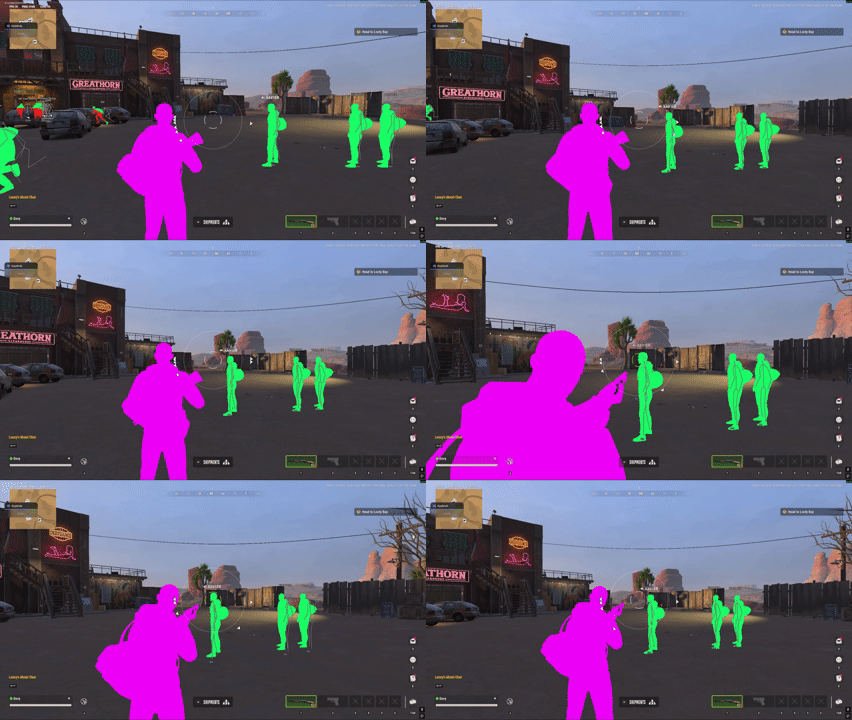
| Loom Rob Run Cheat (With Spoofer) | Includes spoofer | from $6.99 | Aimbot (including Silent Aim), player/loot ESP with rarity filters, chams, insta-search, some experimental reach/interaction options. | Windows 10/11, Secure Boot off | Loom Rob Run Cheat on cheats.org |
| Paragon Rob Run Internal (Instant setup) | Internal, Instant setup | from $3.99 | Aimbot (smooth, bones, roles, FOV, auto-fire, etc.), detailed player ESP (boxes, skeleton, health, warnings), entity/loot/base ESP, radar, battle mode, instant inventory. | Windows 11 | Paragon Rob Run Internal on cheats.org |
Quick comparison takeaways
- Disconnect is the most comprehensive option on the site for players who want silent aim, deep world/base/production ESP, skin changer, freecam, and highly granular filters.
- Loom adds a built-in spoofer and keeps a focused combat + visuals set.
- Paragon emphasizes instant/no-hassle internal setup with solid aimbot, ESP, and radar at the lowest entry price.
Browse the full Rob Run category here: https://cheats.org/store/rob-run
Final Notes
Disconnect stands out for its breadth of options (especially silent aim controls, role-based everything, production/base tracking, and cosmetic tools). Config slots make it easy to switch between legit-looking and aggressive setups. Always keep Windows Defender and conflicting anti-cheats disabled as required by the specific product’s setup guide, use the correct Discord overlay mode if needed, and re-check detection status after every game update.
For Rob Run
Everything in this guide, ready to buy.
 Rob Run
Read next
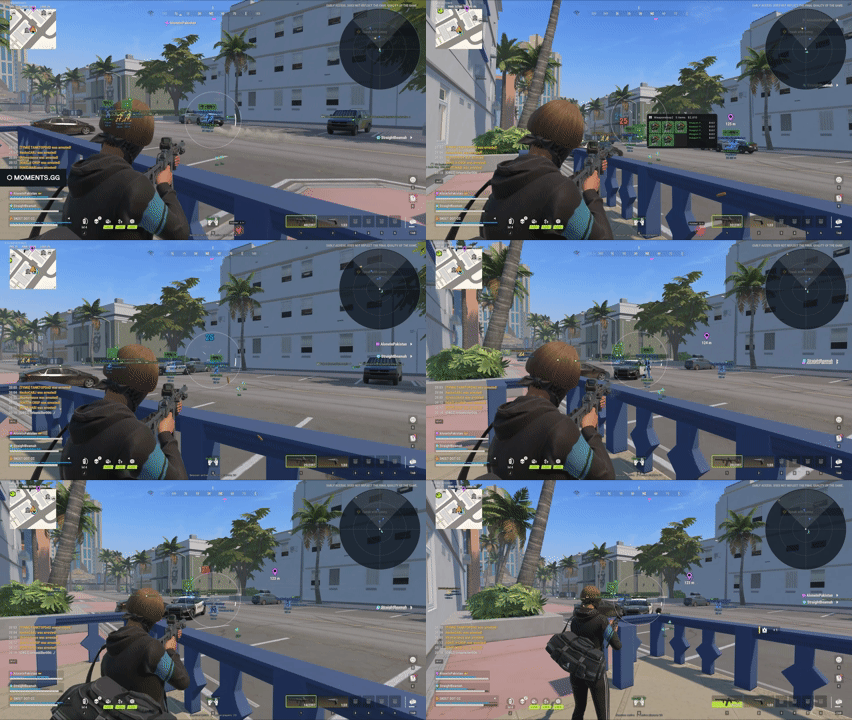
Rob Run Cheats 2026 Comparison | Disconnect vs Loom vs Paragon
# Rob Run Cheats 2026 Comparison: Disconnect vs Loom vs Paragon Looking for the best **Rob Run cheat** in 2026? We…
4 min read
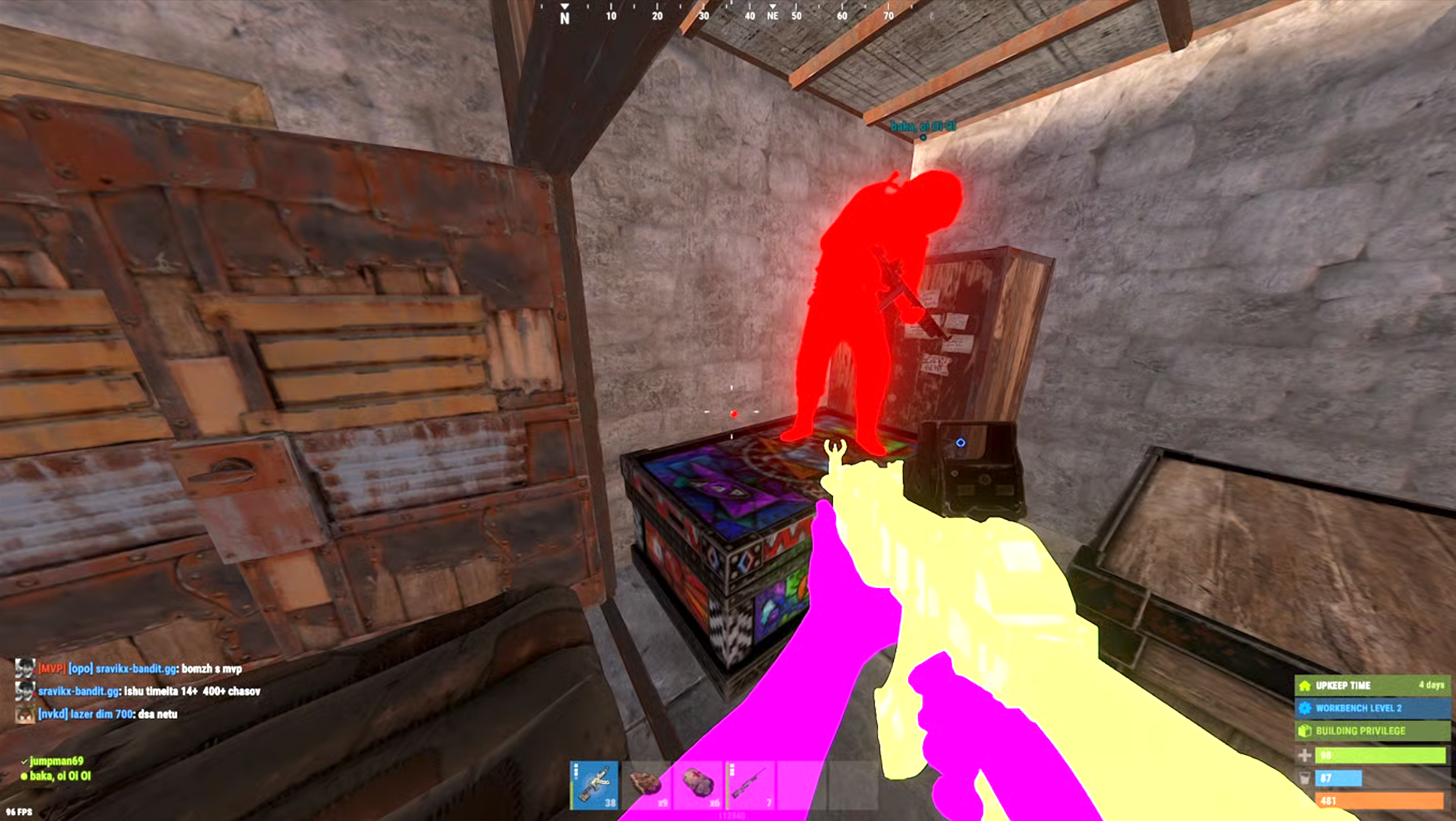
Disconnect Rust Cheat - Everthing you need to know to start cheating.
A full feature list of disconnect rust cheat as well as where to purchase, we also delve into what Rust Cheats actually do.
5 min read
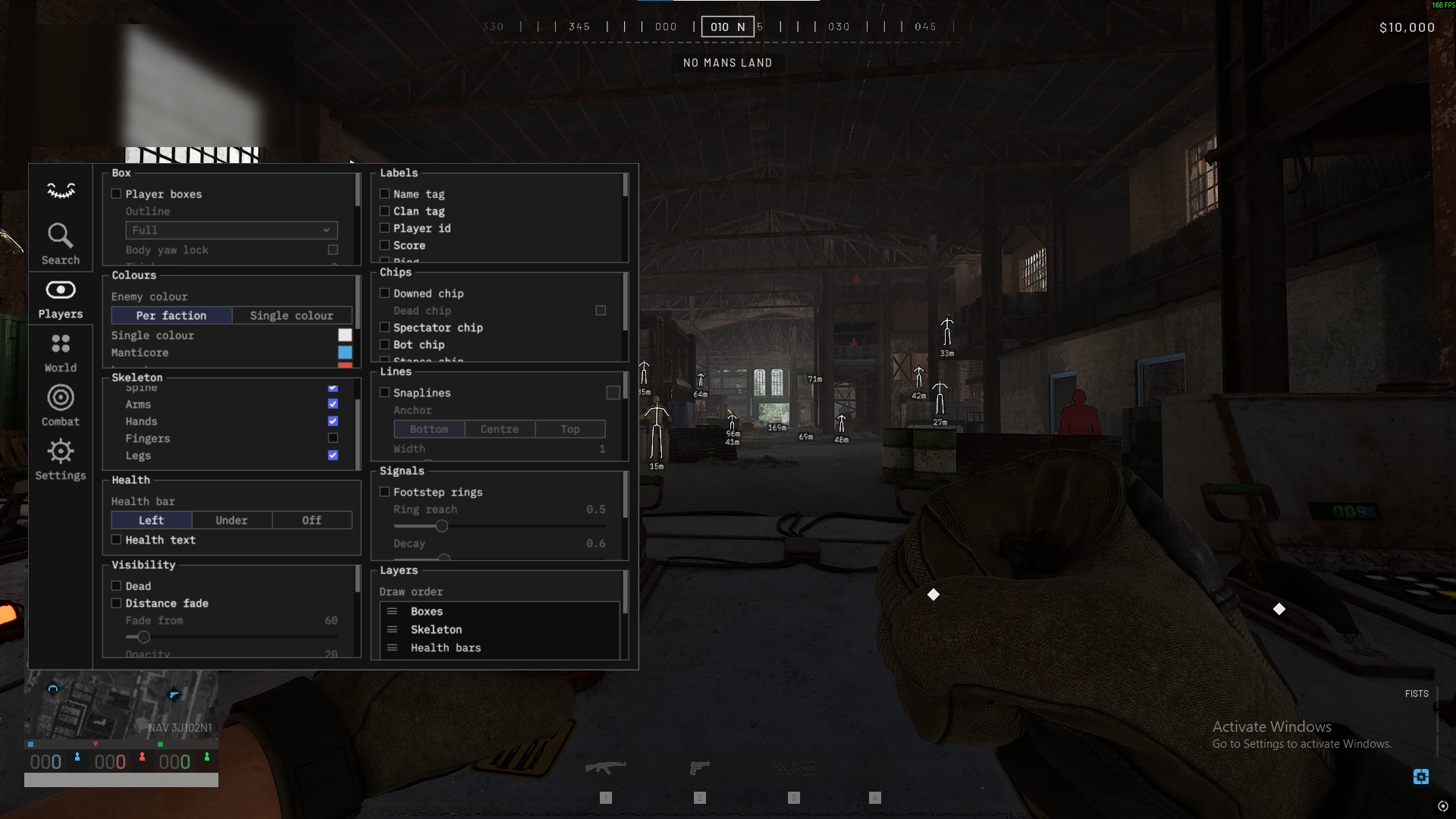
Wardogs Cheats - Bullet TP, Aimbot, ESP, Wallhacks & more
**Undetected War Dogs Cheats & Hacks – Aimbot, ESP, No Recoil & More (2026)** War Dogs has taken over the market with…
8 min read