
Foxyz Cheat & Spoofer Guide
Foxyz CS2, Tarkov / EFT, Day-Z installation Instructions.
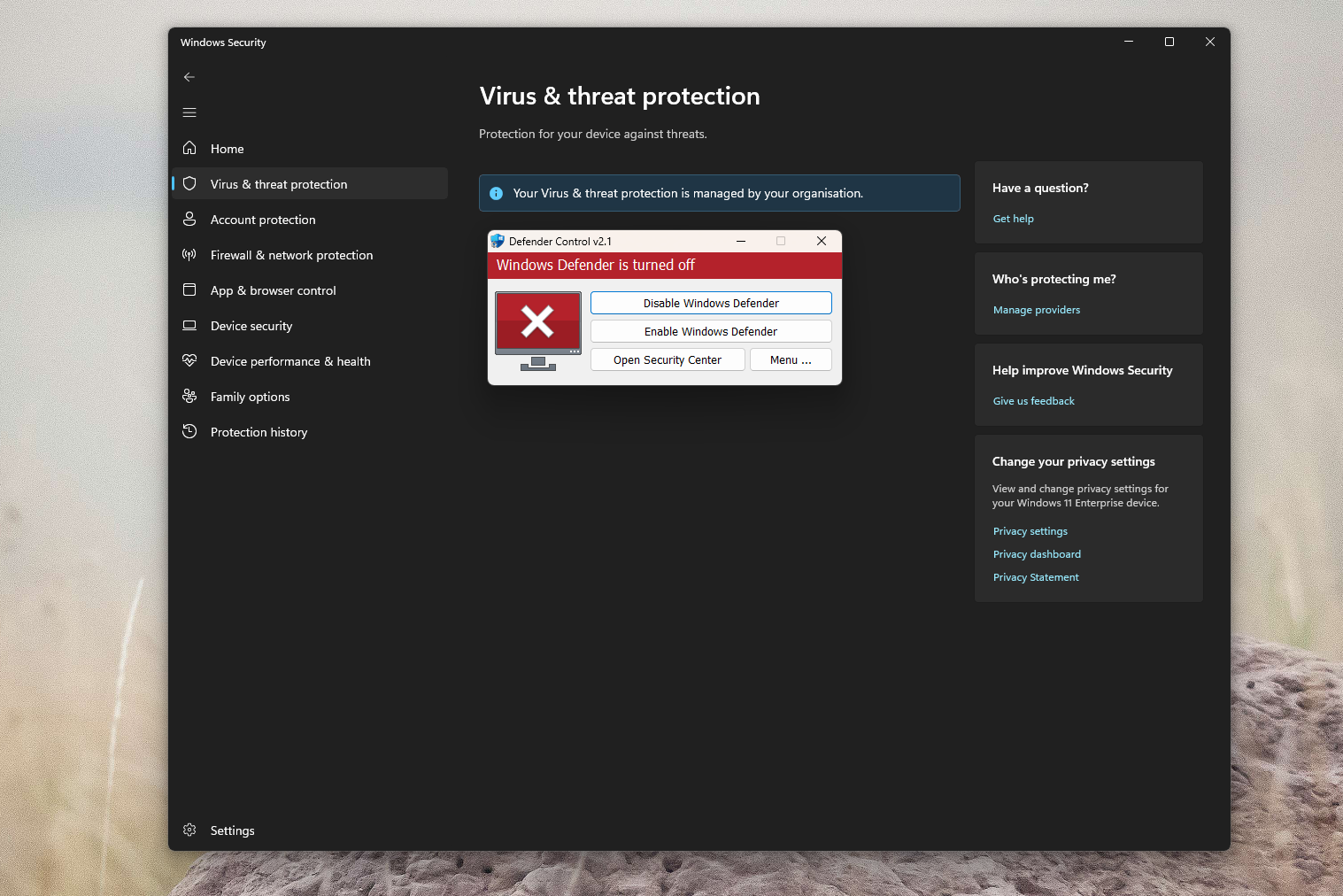
The cheat needs to access windows internals to sit outside the game; disable Windows Defender or any other Anti-Virus, you can turn it back on when you are done cheating.
Sordum DControl is a tool to fully remove Windows Defender, you can also do it manually. Support are always available if you need help.
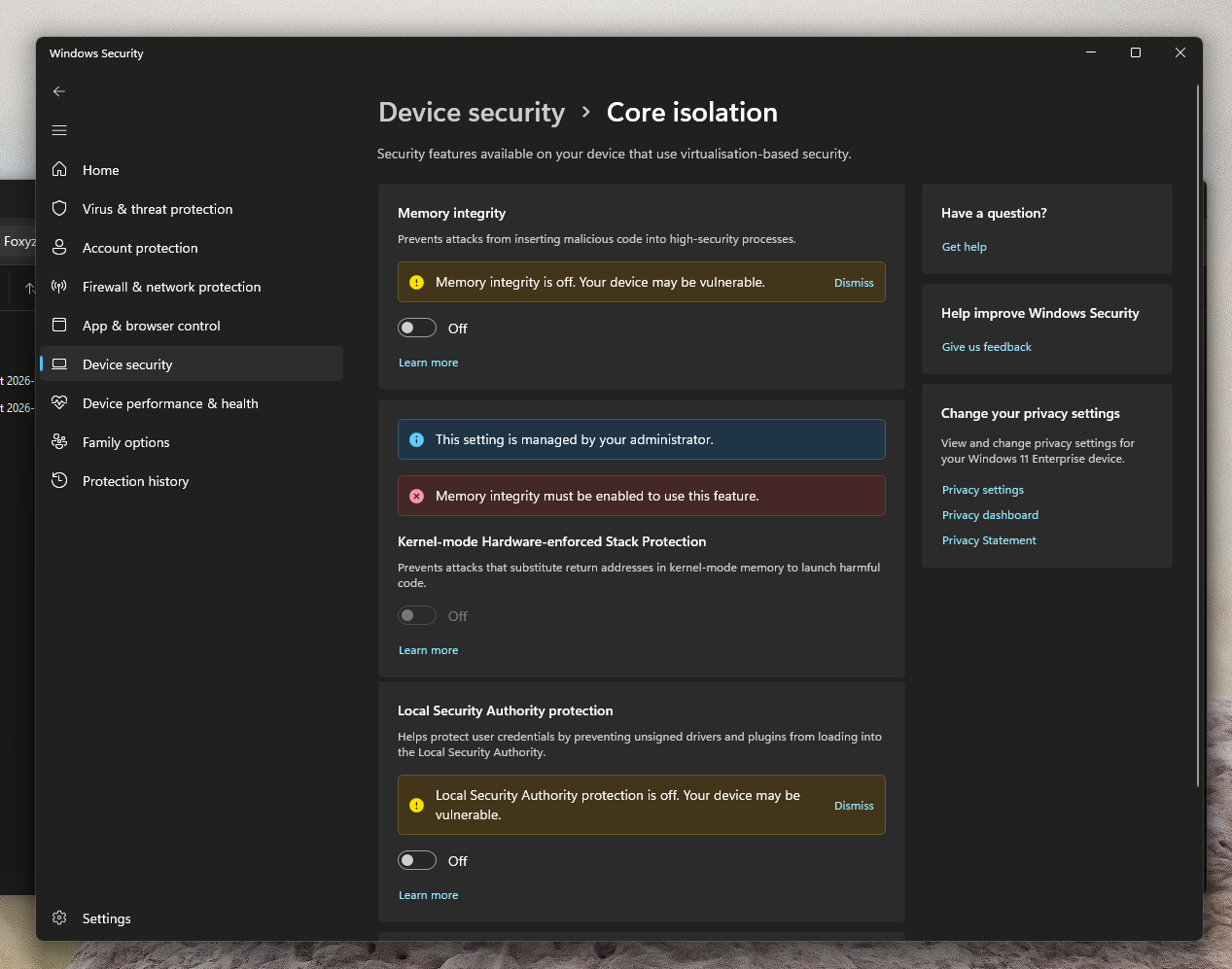
Turn HVCI/Core Isolation OFF by opening Windows Security and choosing Device Security, under core isolation hit details and Set Memory Integrity to OFF.
Using the loader is exceptionally easy, just:
- Run the loader
- Click inject
- Make sure your game is a Borderless Window, if not repeat steps 1 and 2
- Enjoy cheating
Foxyz cheat Troubleshooting
Can't See the Menu In-Game? Please ensure your game is in Windowed or Borderless mode, not Fullscreen. The menu sits outside the game, and doesn't pass through in Fullscreen mode.
Loader Errors
Planets are not aligned.
- Windows Defender or an unrelated invasive Anti-Cheat (such as Vanguard or Faceit) is installed on your computer and must be uninstalled.
- Anti-virus (Avast, MacAfee, Norton) is running in the background and blocking the loader or cheat internals. Remove it to continue.
Aborted (Core Dumped), Missing Crew Members, or System is not pure
- Contact us (fixed in minutes)
Blue Screen / PC crash
- Try inject again
- Contact us if you can't get it to work (fixed within a few hours)
Get the product
Everything in this guide, ready to buy.
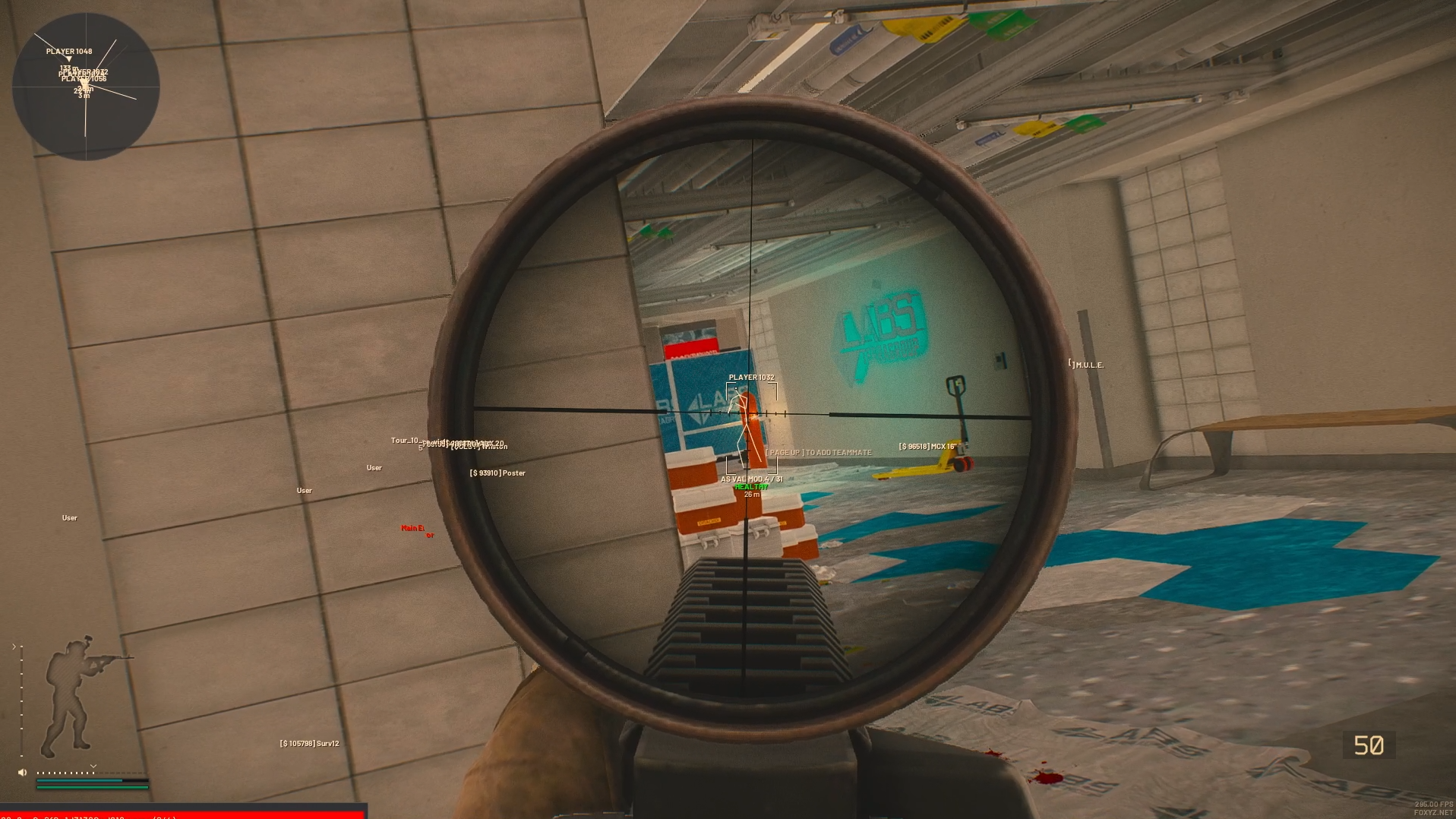
 Escape from Tarkov by Foxyz
Foxyz Full + Spoofer
- Windows 10/11
HVCI off (core isolation)
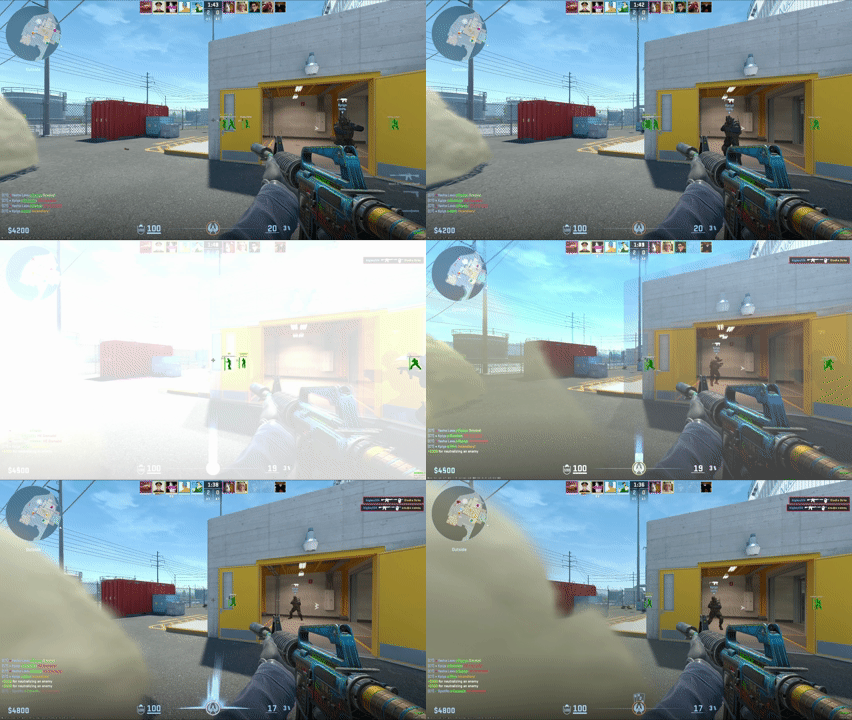
 Counter-Strike 2 by Foxyz
Foxyz CS2 External
- Windows 10/11
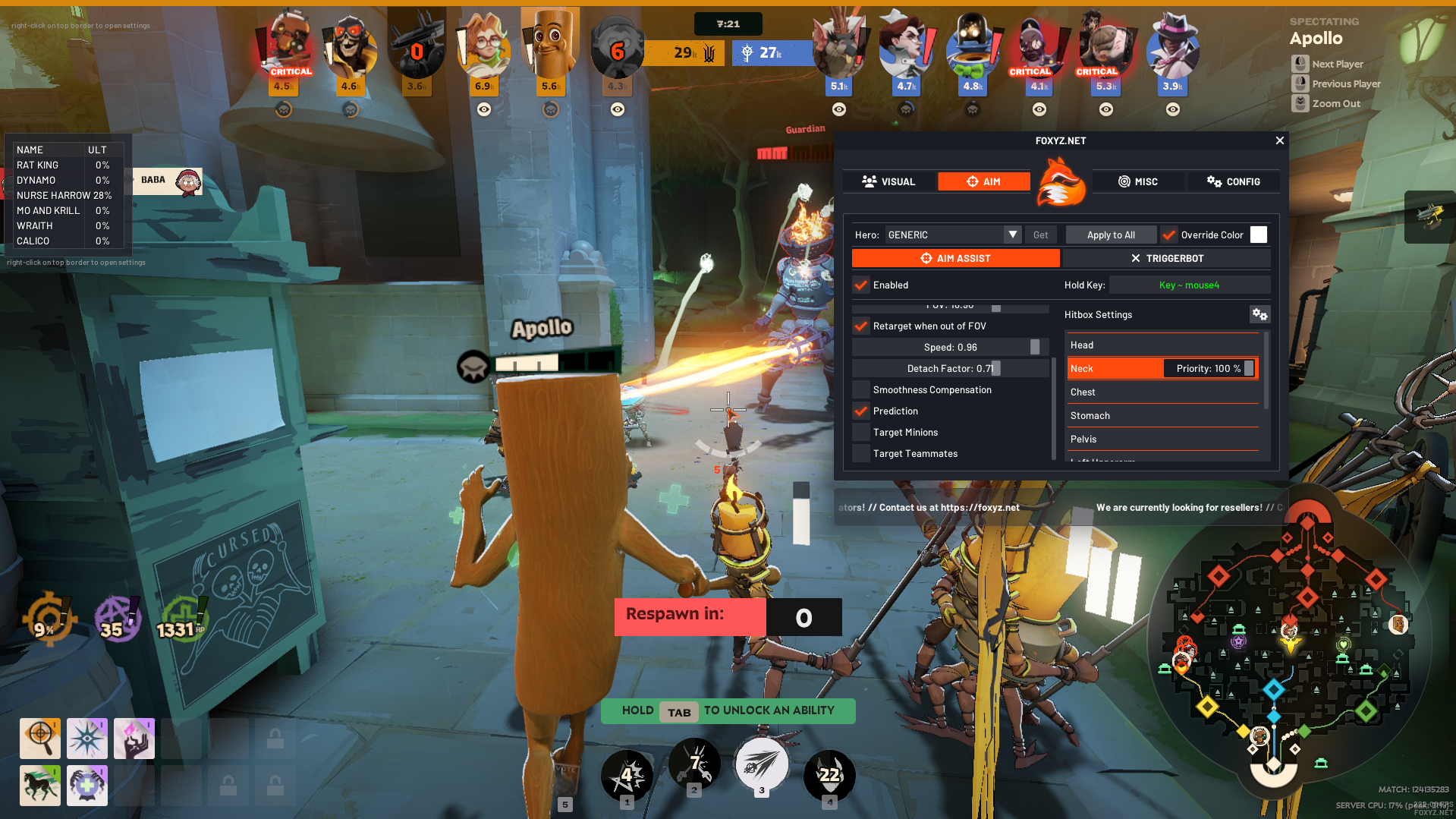
 Deadlock by Foxyz
Foxyz Deadlock
- Windows 10/11
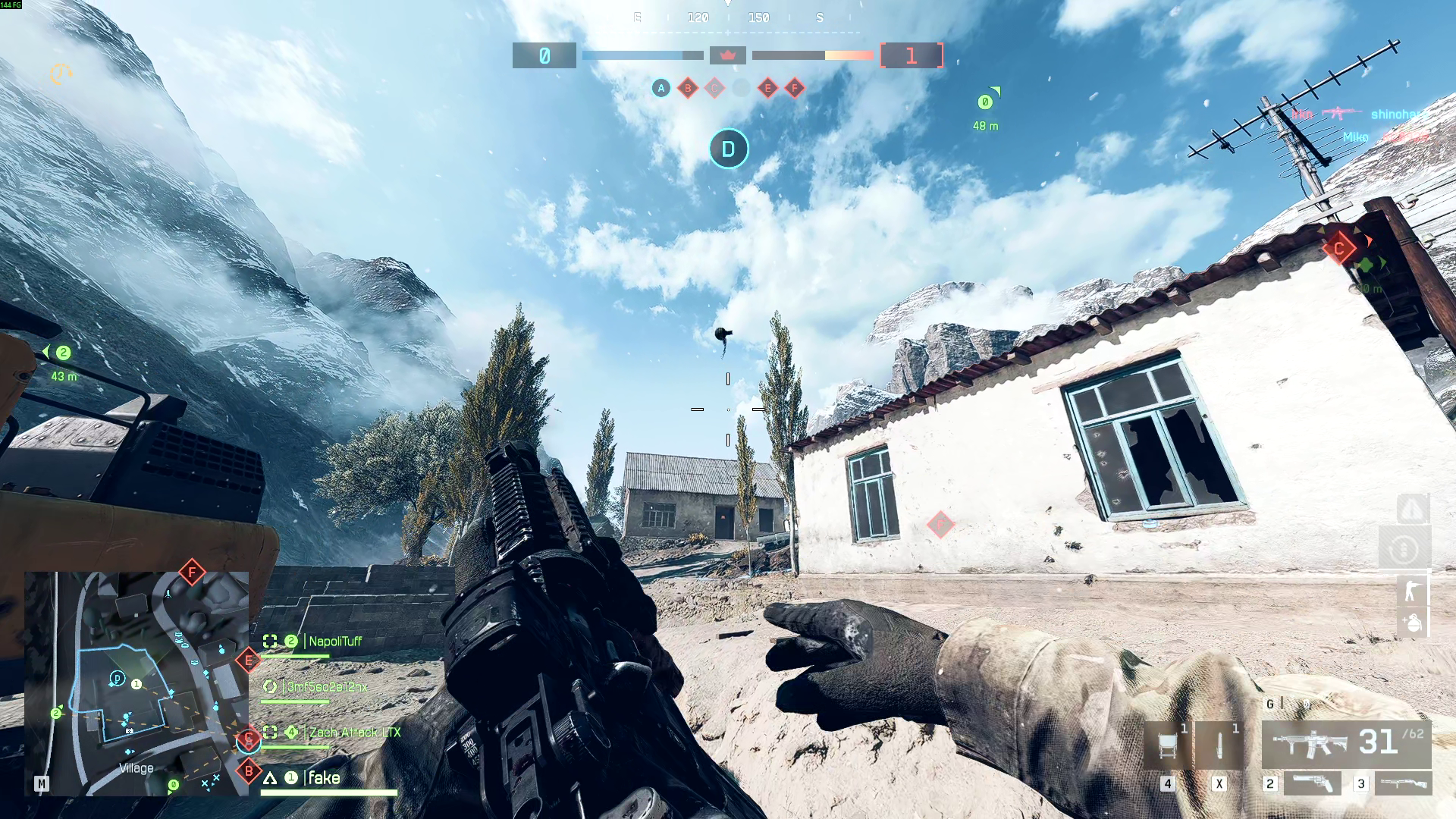
 WARDOGS by Foxyz
Foxyz Wardogs
- Windows 10 & 11